From the first discussion to ongoing support
Install your AI agents.
Start with your business.
Magentique combines a Mac Studio, AI agents, configuration and support. Magentique is production-ready, in the Cloud or on Mac Studio. Feature scope, integrations and onboarding conditions are specified before any commitment.
Availability updated on .
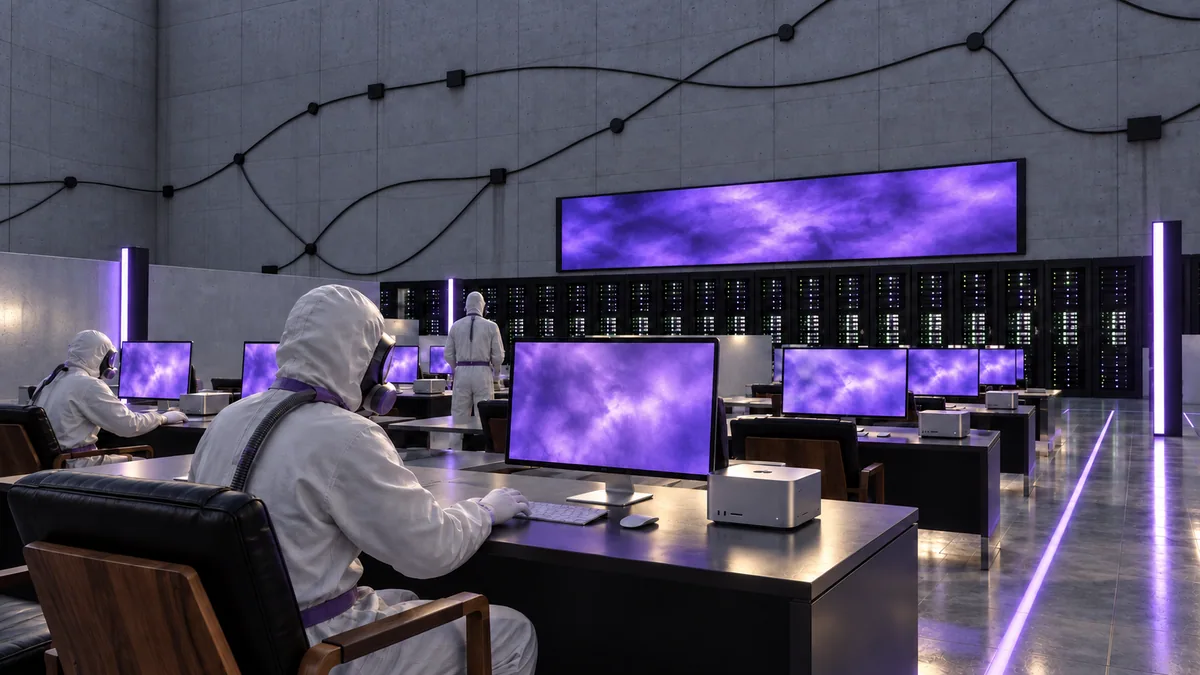
Who is Magentique for?
The primary audience is leaders of small consulting and service businesses. Magentique addresses a specific need: finding information in a file, preparing a draft, organising actions or following a creative brief.
The first discussion checks the fit between your situation, the features to install and any custom integrations. A demonstration explains the proposed workflow; it does not replace validation on your hardware and use cases.
How do we prepare your installation?
1. Describe how you work.
We start with your business, team size, tools and one first task. You can describe document types and constraints without sending a sensitive client file in your contact message.
The AI agent requirements template (French) helps define a task, permissions and tests. The local AI guide (French) compares local and cloud approaches.
2. Define scope and configuration.
Your proposal specifies the tier, hardware, selected use cases, connections, external costs and support terms. It also specifies the mode: Cloud without buying a machine, or Mac Studio installed on your premises, with one configuration per tier. See the Mac Studio page for configurations and tax-inclusive prices.
3. Install, test and get started.
Mustapha prepares the selected configuration, access and onboarding workflow. Acceptance tests check the cases agreed with you on your installation. Backup, recovery and restart arrangements are specified in your proposal; unattended recovery after shutdown is not included.
4. Arrange ongoing support.
The subscription covers maintenance and evolution of your installation: a 6-month commitment in the Cloud and 2 months on Mac Studio. Scope, updates, assistance and onboarding arrangements are specified in your proposal. This page does not guarantee a resolution time or availability level.
What is included in your installation?
Magentique is production-ready. Your proposal specifies included features, connections to activate and acceptance tests. System availability does not mean that every integration or automation is included by default.
| Feature | Scope | Conditions and limitations |
|---|---|---|
| Conversation | Cloud or local models | Models, authorised data and permissions defined for the selected mode. |
| Memory and preferences | Explicit memory | Saved, corrected and removed by a person. Account memory stays private and is not sent in cloud turns. |
| Documents and search | Voluntary text import and literal search | OCR, semantic search and AI answers on documents require a separate integration scope. |
| Editorial calendar | Dated drafts, versions and approval | Publishing accounts are not connected by default. Separate connection and permission before any external action. |
| Creative briefs and reviews | Briefs and written versions | Automated control of Blender and Resolve is not included. Creative licences and services are specified in the Artist option. |
| Installation and support | Configuration, onboarding and maintenance | Updates, backups and assistance follow your proposal. Automatic remote update delivery and unattended recovery after shutdown are not included. |
| iPhone app | Access paired with the system | Devices and network access are defined at installation. The app is not distributed on the App Store. |
| Agent actions | Authorised tasks and tools | Permissions and human approvals depend on the task. No unrestricted general autonomy or implicit connections. |
Essential, Pro and Enterprise share the same foundation. Capacity and volumes are checked for your configuration and agreed use cases; this page does not announce a Magentique hardware benchmark.
Where does your data go?
On Mac Studio, Magentique prioritises local models and processing. Explicit memory is used in local workflows, not in cloud turns. Data and permissions are reviewed feature by feature.
Cloud mode and external services are explicitly selected. They require a provider, a data scope and cost limits. In Cloud mode, responses use the DeepSeek API, whose servers are in China; sensitive data is not processed there. Local processing is not a legal certification or a guarantee that all services in your installation work offline.
For messages prepared through this website, see the privacy policy (French). The contact form prepares a draft on your device; you decide when to send it from your email application.
What does the budget include?
In the Cloud, there is no setup fee: only the monthly subscription. On Mac Studio, the budget combines the Mac at Apple’s public price, a setup fee of 20% of that price and a monthly maintenance subscription. Accessories, licences or external services may be added depending on configuration. Published prices include tax in euros, with an option to display US dollars.
The tiers are Essential, Pro and Enterprise. The Artist option can be combined with a Mac Studio tier and includes a DaVinci Resolve Studio licence; automated control of Blender and Resolve by the Studio agent is not included. See the Artist option (French).
Your proposal details what is included and what must be confirmed. A configuration shown on this website is not evidence of a measured result or a completed customer installation.
Where can your project be delivered?
Magentique is based in Casablanca and targets Morocco, France, Belgium, Luxembourg, Switzerland and Canada. On-site or remote installation, hardware availability and timelines are confirmed for each project.
Mustapha Boubakri, Magentique’s founder, leads design, development and integration. The first discussion defines a practical next step for your business.